Startups
Build a focused CRM, business platform or internal system around your initial product and operational requirements.
Custom CRM & ERP Software
MrTechies develops custom CRM, ERP and business software solutions for companies that need structured workflows, centralized data, better reporting and connected operations.
From lead management and sales pipelines to dashboards, automation, integrations and business databases, we build software around your actual requirements instead of forcing every business into the same system.
Customer management
Business dashboards
CRM and ERP software development can include customer management, lead tracking, sales pipelines, dashboards, workflow automation, user roles, databases, APIs, third-party integrations, reporting and business operations.
The right system depends on your business process. Some businesses need a focused CRM, while others need a broader ERP-style platform connecting multiple departments and operational workflows.
Last updated:
The best starting point is not the software name. It is the business problem, users, workflows and information your organization needs to manage.
Build a focused CRM, business platform or internal system around your initial product and operational requirements.
Replace disconnected spreadsheets and business tools with a centralized system that can support expanding operations.
Connect customer information, orders, support workflows, sales activity and operational data across your business.
Manage leads, customers, appointments, follow-ups, quotations, team activity and reporting from one system.
Give sales teams structured pipelines, lead assignments, follow-up workflows, customer history and reporting.
Connect departments and workflows through custom ERP-style systems, dashboards and role-based access.
CRM & ERP solutions
A lead management system, sales pipeline, dashboard and automation platform each solve different operational requirements.
Capture, organize and track leads from websites, campaigns, forms and other sources in one structured system.
Best for: Sales teams, service businesses, agencies, startups and growing organizations
Explore solution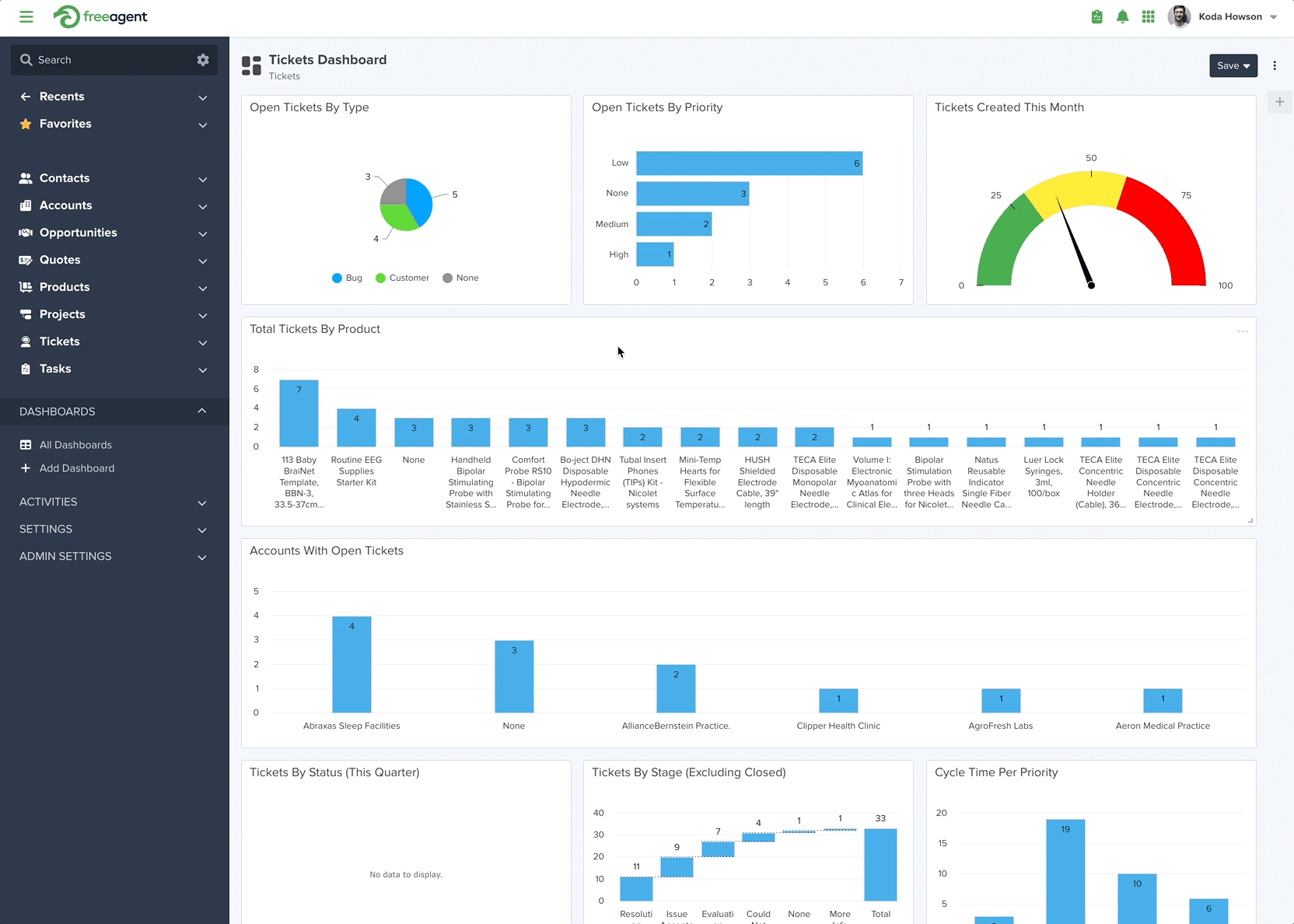
Create clear sales stages, follow-ups, opportunities and reporting so teams can manage the customer journey more effectively.
Best for: Businesses managing enquiries, opportunities, quotations and sales teams
Explore solution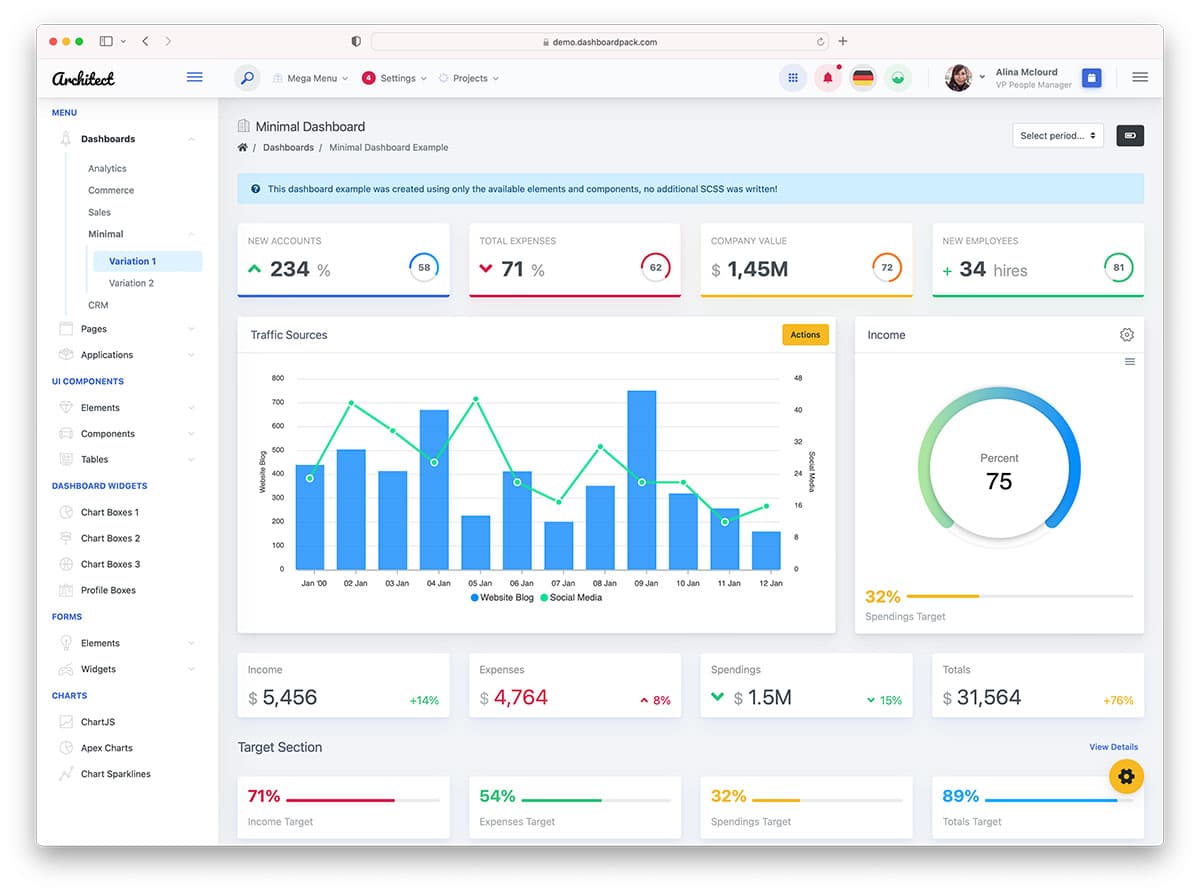
Bring customer information, reports, KPIs and operational insights together through role-based dashboards.
Best for: Managers, business owners and teams requiring centralized business visibility
Explore solution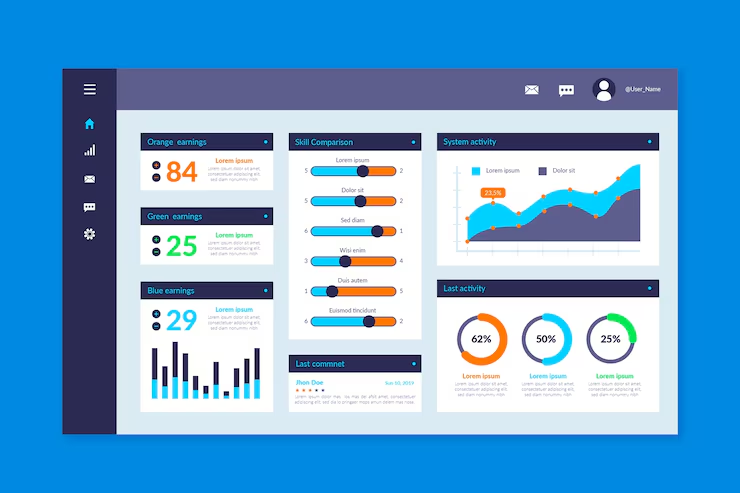
Reduce repetitive work with automated workflows, notifications, approvals, follow-ups and connected business processes.
Best for: Growing businesses replacing repetitive manual processes with software
Explore solutionMany business software projects start with operational problems such as disconnected data, manual work, lost follow-ups or limited reporting.
Customer records may exist across spreadsheets, email, WhatsApp conversations, forms and separate business applications.
A CRM can centralize customer records, interactions, follow-ups and important sales information.
Without structured stages and ownership, enquiries can remain unattended or become difficult to track.
Lead assignment, sales pipelines, reminders and follow-up workflows can create a more organized sales process.
Spreadsheets can become difficult to maintain when multiple people, branches and departments depend on the same information.
Custom business software can replace repetitive spreadsheet workflows with centralized records and controlled processes.
Sales, accounts, operations, inventory and management may work with different sources of information.
ERP-style systems can connect important business functions through shared data, workflows and integrations.
Important sales, customer and operational information may require manual reporting before management can understand it.
Dashboards and reporting systems can organize important business information into useful operational views.
Standard software may provide many features while still requiring teams to work around their actual processes.
Custom development or structured customization can align the system with the required fields, workflows, roles and integrations.
Core functionality
Choose the modules and workflows that match your operational requirements instead of adding unnecessary functionality.
Manage leads, contacts, customer profiles, communication history and important relationship information in one structured system.
Create sales stages, opportunity tracking, ownership, follow-ups and pipeline reporting around your business process.
Automate repetitive actions such as notifications, approvals, assignments, reminders and internal workflow steps.
Create dashboards and reports around sales activity, operations, customers, performance indicators and other business data.
Connect CRM or ERP systems with websites, payment services, communication tools, accounting software and other business platforms.
Structure application access around users, departments, responsibilities and the information each role needs.
Organize application data using structured database architecture appropriate to the system's functionality and scale.
Connect customer communication and notification workflows where the project requires email, messaging or other communication services.
Technology
CRM and ERP technology choices should reflect the application's users, workflows, data, integrations, performance requirements and future growth.
CRM and ERP systems depend on organized customer, transaction, operational and workflow data. Database design is planned around the application's requirements.
Component-based frontend development can create consistent, maintainable interfaces for dashboards, portals and business applications.
Applications can connect with websites, payment systems, accounting platforms, communication tools and other business services through APIs.
Authentication, authorization, user roles, APIs and business data are considered as part of the application's technical architecture.
Database queries, frontend rendering, API requests and application architecture are considered with real-world performance in mind.
Reusable components and structured architecture can make it easier to add modules, users, workflows and integrations as requirements evolve.
Technology selection depends on project requirements, but CRM, ERP and business application projects can include the following technologies and approaches.
CRM & ERP development process
A structured development process keeps business requirements, data architecture, user experience, integrations, testing and deployment connected throughout the project.
We understand your departments, users, customers, existing tools, business processes and the problems the new system needs to address.
Important CRM or ERP modules, user roles, workflows, dashboards, data requirements and integrations are mapped before development begins.
The application structure, database requirements, API relationships, permissions and technical foundations are planned around the agreed scope.
Dashboards, forms, navigation, tables and application screens are designed around usability and the tasks different users need to complete.
The approved system is developed with the required interfaces, business logic, APIs, database connections and application functionality.
Required third-party services, notifications, payment systems, communication tools and business integrations are connected.
Important workflows, permissions, forms, reports, integrations and application behaviour are tested before production deployment.
The system is prepared for production and can continue through maintenance, monitoring, new modules, integrations and workflow improvements.
The timeline and cost depend on the actual functionality, modules, integrations, users and data requirements. A single generic price does not accurately represent every business system.
Indicative ranges only. Actual delivery depends on scope, integrations, data migration, testing and approval cycles.
A professional quote should reflect the applications actual scope instead of applying one generic price to every project.
CRM and ERP performance depends on more than the interface. Data architecture, APIs, database operations, permissions and application workflows all contribute to the overall system.
We consider these foundations during development so the application can support the agreed functionality and provide a structured base for future improvements.
Explore web developmentFrontend components, API requests, database operations and application flows are considered together to reduce unnecessary performance overhead.
Business systems can be designed for desktop-first operations while remaining usable across supported tablet and mobile environments.
User roles and permissions can be structured according to departments, responsibilities and required system access.
Related business actions can be connected through workflows, integrations, notifications and shared application data.
Customer, sales and operational information can be structured so teams can work from a more consistent source of business data.
A structured application can provide room for additional modules, integrations and workflow improvements as business requirements change.
Depending on the agreed project scope, these application foundations can be reviewed before production deployment.
Good business software development starts with clear expectations. Before implementation begins, the business should understand its workflows, users, data, integrations, timeline and ongoing requirements.
Before development starts, identify how leads, customers, employees, departments and business processes currently move through your organization.
Different users may need different levels of access. Defining roles early helps create a clearer system architecture.
CRM and ERP systems can become large quickly. Prioritizing important modules can make the first development phase easier to manage.
Identify the external systems that need to exchange data with the CRM or ERP before development begins.
Business software commonly evolves after launch through new reports, modules, integrations, users and workflow improvements.
MrTechies provides custom CRM, ERP and business software development from Hyderabad and works with businesses in other locations across India through structured remote collaboration.
Explore more
Business software can work alongside websites, applications and digital marketing when the technical structure and customer journey are planned together.
Build business websites, customer portals, ecommerce platforms and custom web applications that connect with your business systems.
Explore web developmentExtend your business system into mobile-first applications, customer apps, dashboards and other application experiences.
Explore app developmentImprove organic visibility for your website with technical SEO, content strategy, keyword targeting and ongoing search optimization.
Explore SEOAnswers to common questions about custom CRM development, ERP software, business automation, integrations, timelines and project requirements.
MrTechies provides custom CRM and ERP software development for lead management, customer management, sales pipelines, dashboards, workflow automation, business operations, API integrations and other custom business software requirements.
CRM software primarily focuses on customer relationships, leads, sales activity, communication and customer-related workflows. ERP software generally connects broader business operations such as finance, inventory, procurement, HR, operations and reporting. Some businesses require CRM functionality, while others may benefit from a broader integrated business system.
The cost depends on the number of modules, users, workflows, integrations, dashboards, database requirements, authentication, data migration, testing and deployment. A focused CRM project generally requires less development work than a large multi-department business platform.
The timeline depends on project scope. A focused CRM may take several weeks, while systems with multiple modules, integrations, departments, complex workflows and data migration can require phased development over a longer period.
Yes. A small business CRM can focus on the functionality that matters most, such as lead capture, customer records, sales pipelines, follow-ups, tasks, reporting and basic automation without requiring every enterprise feature.
Yes. Depending on the project, CRM systems can connect with websites, forms, REST APIs, payment services, communication platforms, accounting software, databases and other third-party systems.
Data migration can be included when the source data is suitable for migration. The process normally involves reviewing the existing data, mapping fields, cleaning or transforming records and importing them into the new system.
Yes. The appropriate approach depends on the existing CRM, required functionality and business workflow. In some projects, customization or integration can be more practical than developing a completely new system.
A custom ERP-style system can be designed around multiple departments, branches, users, permissions, workflows and reporting requirements when those capabilities are included in the agreed project scope.
Yes. MrTechies works with businesses in Hyderabad and other locations across India. Projects can be managed remotely through structured communication, reviews and online collaboration.
Explore individual CRM and business automation solutions based on the functionality your organization needs.
Start your business software project
Tell us how your current process works, what your teams need to manage, which systems you already use and what you want the new software to improve. We can then discuss the appropriate development approach.